G3 Gimbal and Camera CG setting-Video Sharing
Following we are going to share you how the correct CG setting will affect the shooting. If the CG is not adjusted correctly, it will cause camera jitter and damage the films quality.
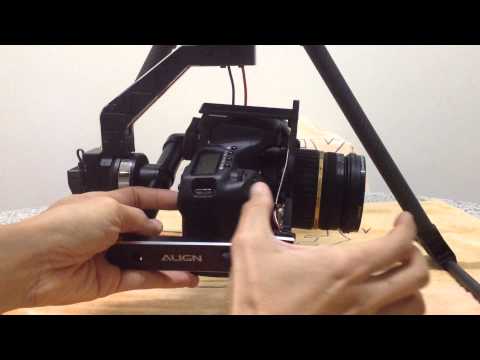
Let’s see the video to know the real effects!

Reminder:
Before center point adjustment, make sure to keep gimbal mount bracket and gimbal mount carbon tube in vertical position during assembly, as shown in below picture. Any unstable assembly will cause uneven compression of anti-shock mount resulting in unstable video footage.
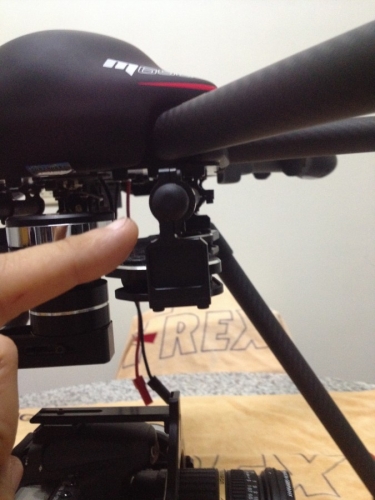
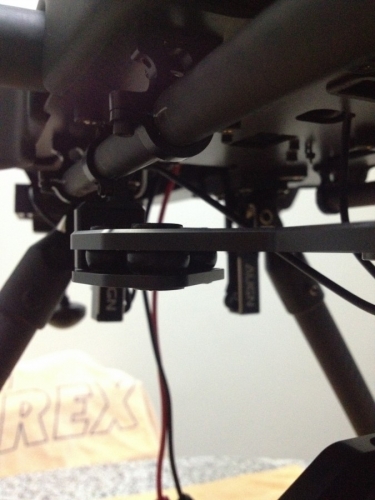
Y-axis (TILT) camera vertical balance adjustment
To adjust TILT axis by either transmitter or automatic center adjustment, make sure the camera mount will not move upwards but only move evenly downwards.
Also make sure to keep the camera and the roll aluminum tube in proper safe distance when working TILT adjustment.
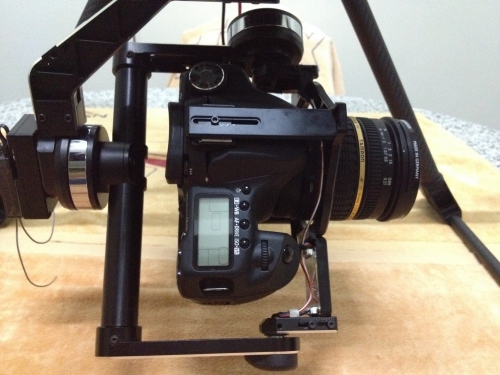
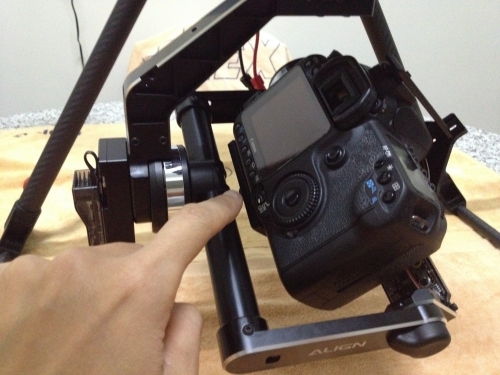
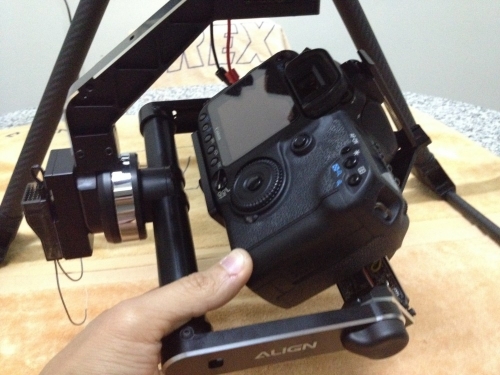
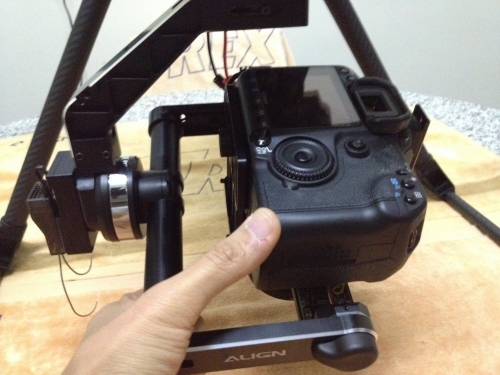
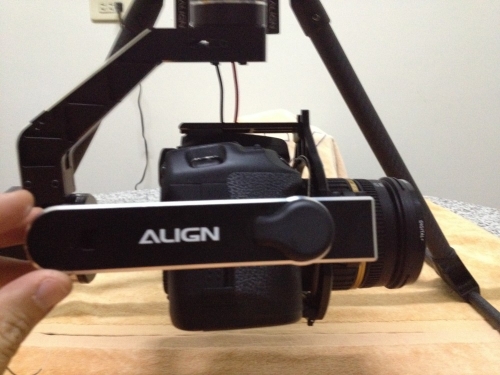
X-axis(ROLL) balance adjustment
Make sure to check the roll axis with at least 30 degrees angle, and to achieve balance at every rolling position.

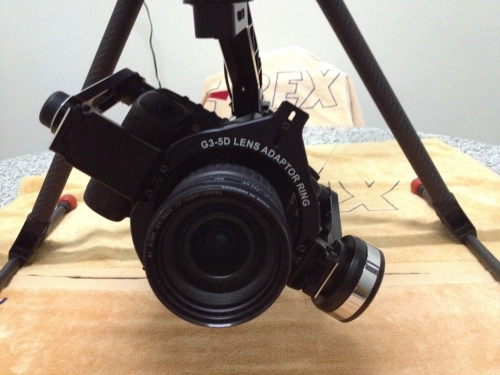
PAN axis(Z) – camera horizontal adjustment
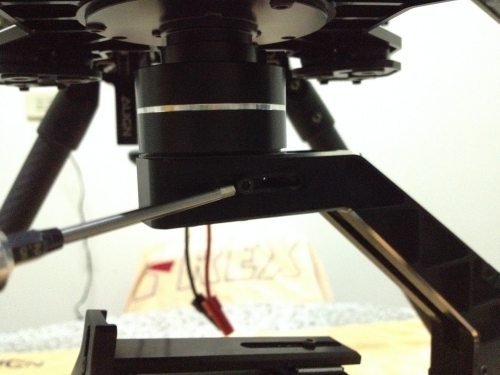
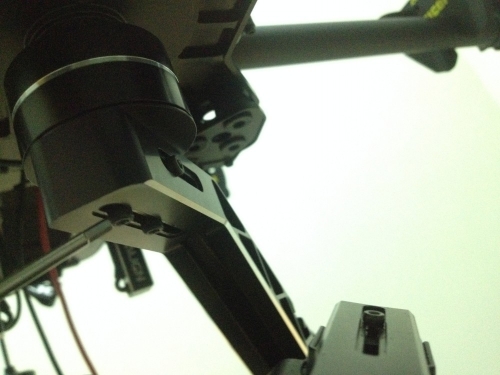
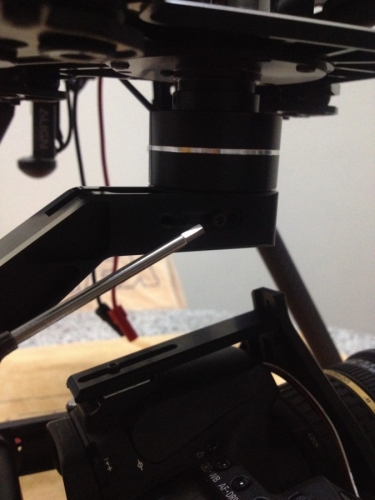
Loosen the 4 PAN mounting screws, softly move the heavy side toward lighter side, until gimbal achieve perfect balance regardless of position in the whole 360 degrees rotation.
Remember to adjust and tilt the gimbal with at least 45 degrees angle.